A field guide to the CrazyGames build
From the menu to the first paid sale
This is the sequence we ran on a fresh profile on 2026-11-06, in order, screen by screen. It is the shortest path to money in the bank in the browser build, and it is the path this site recommends.
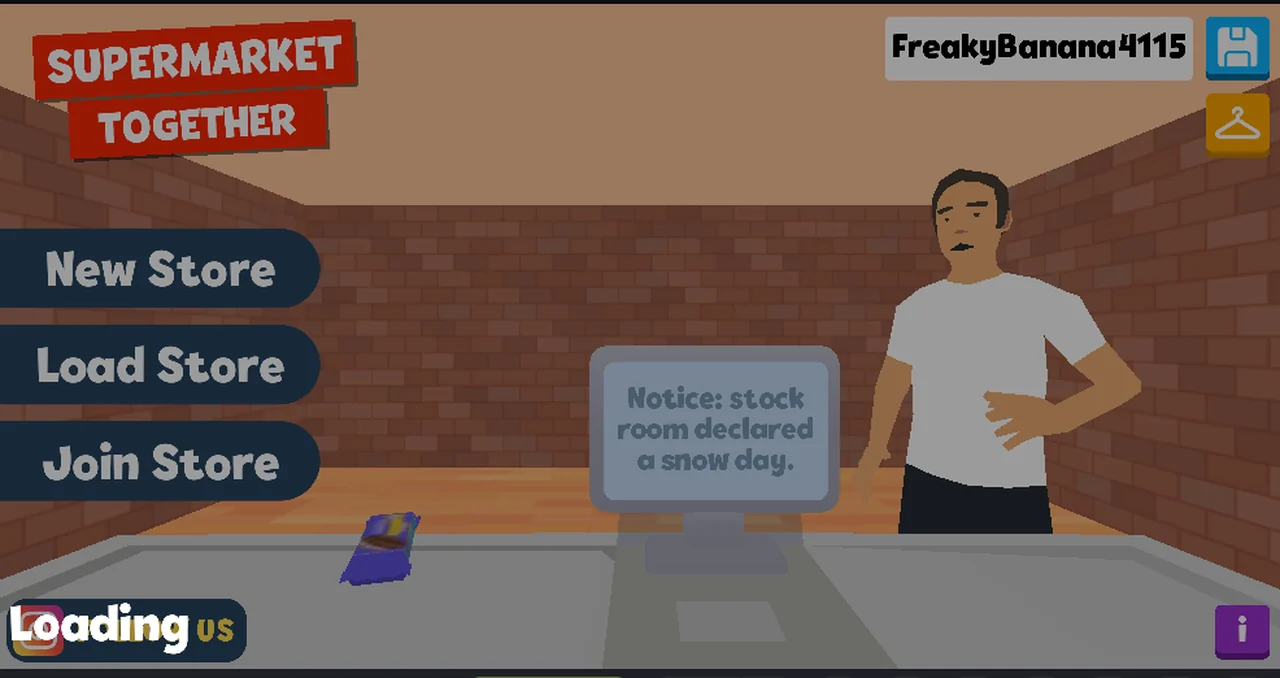
The order that works
| Step | What you do | What happens |
|---|---|---|
| 1 | open the CrazyGames page | the client loads; a Welcome back box may appear, with Continue as guest |
| 2 | click New Store, then SAVE & CONTINUE | New Store opens the VISIBILITY dialog first (Public and Assistant preselected); confirming drops you behind a till, no tutorial |
| 3 | click every item on the belt | the monitor prints each item and a running Total |
| 4 | click the card reader that appears | CARD PAYMENT opens with the amount and a keypad |
| 5 | press AUTO | the sale completes; money rises by exactly the total |
| 6 | repeat, or click the counter for SHIFT RESULTS | the objective card goes 0/3 → 1/3 → 2/3; we never saw it reach 3/3 |
That is the whole loop at LVL 1. There is nothing else to do on this screen.
What the menu actually offers
Three doors: New Store, Load Store, Join Store. We only used the first. The
other two are untested — Load Store presumably reloads a store saved in this
browser, and Join Store presumably wants the code the store panel shows, but
both are inferences from the words, not observations.
A one-line notice sits on the monitor above the counter and changes between loads. We have caught seven in total; the notices page quotes all of them word for word. They read like errors and change nothing we could see.
What we would tell a first-time player
Click the goods, not the customers. When the belt is empty a card reader appears;
that is the game telling you the basket is closed. Use AUTO for the first sale
to see the whole loop work, then type the amount by hand once you know the total
you are aiming for.
Do not expect a tutorial to teach this: SKIP TUTORIAL is on screen from the
first second, which suggests one exists, but nothing we clicked started one.
Where the rest of the site goes from here
/checkout/ is the sale in detail — the payment panel, AUTO, and the cash
panel we saw in an earlier session. /shift/ is the summary panel and the one
number in it that does not add up. /till-ui/ names every element on the screen
so you can tell the game from the portal.
Why this site recommends this order
The fifth step is where the money actually rose, and no tutorial interposed. Whether a sale went through is visible in two places at once: the balance and the objective card.
Not tested
Load StoreandJoin Store- whether a tutorial runs if
SKIP TUTORIALis not on screen - whether the objective stops at
3/3or opens something new - what happens if you walk away, or close the tab mid-shift
Last checked against the client: 2026-11-06 · client web build 2026-11-06 · portal last updated December 2025